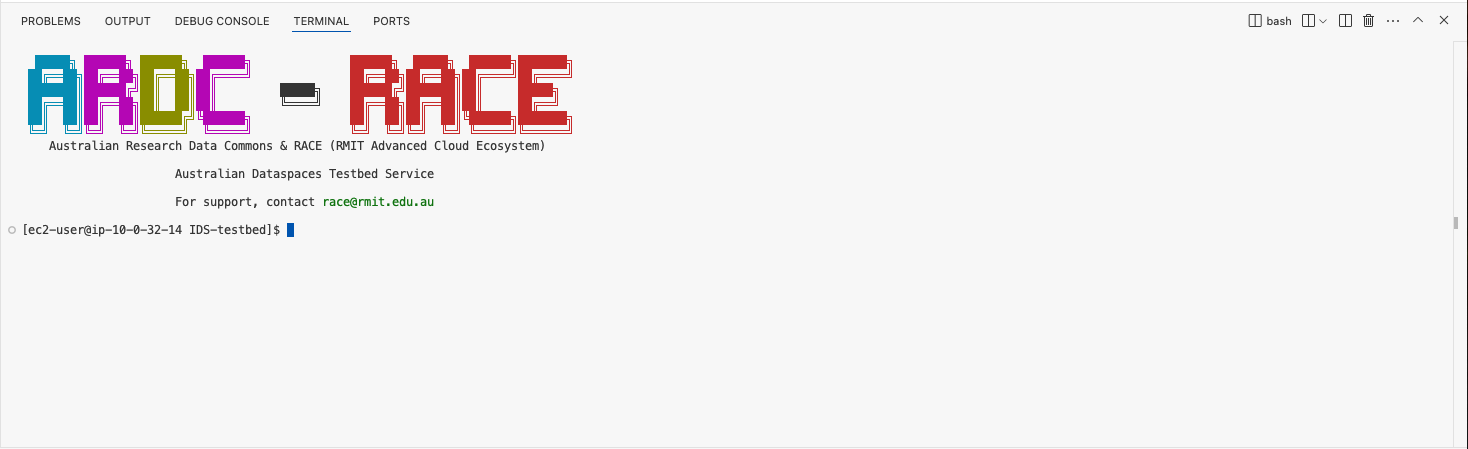
1.5.3 Code-Server IDE
- Click the connection button
Open IDEunder the connection tab of your dataspace environment.

- A loading spinner will appear, and a new window will open shortly showing the environments IDE.

Tip
If the loading icon disappears and you cannot see the IDE, please check your browser is not blocking popups!
When you login using the IDE, it will open the testbed directory by default.
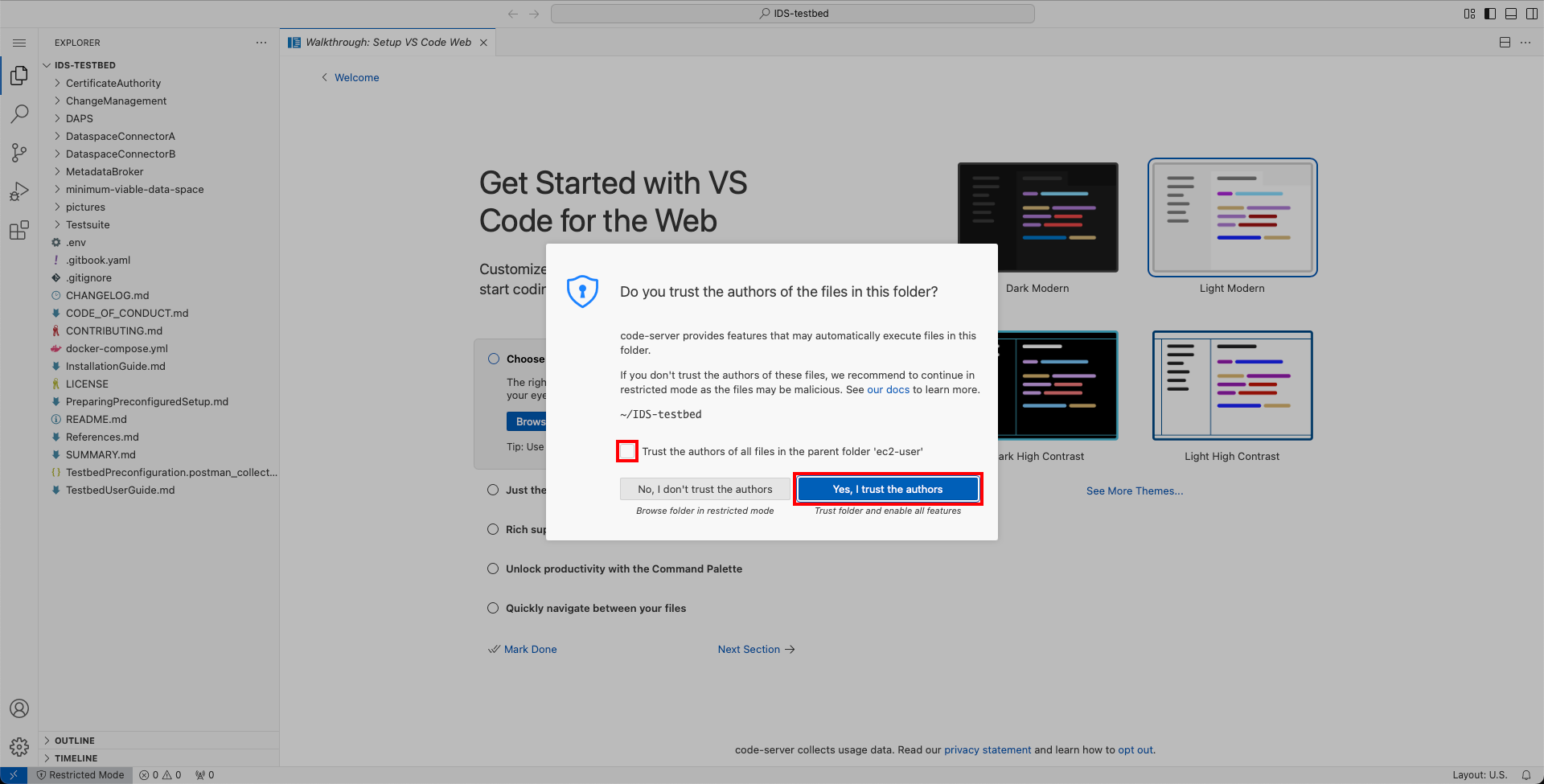
- Click
Trustto continue.
Opening a terminal
Once you are in the IDE, you can open a terminal using any of the below options:
| Option | Procedure |
|---|---|
| Keyboard Shortcuts | ctrl+shift+` on Windows or Linux devices, or control+shift+` on your Apple devices. |
| Use Menu on Left | Go to Terminal > New Terminal by click on the hamburger menu on top-left corner. |