1.5.4 Dataspace GUI
-
Click the connection button
Dashboardunder the connection tab of your dataspace.
-
A loading spinner will appear, and a new window will open shortly showing the environments UI (hosted on port 443). You may need to accept a security warning, due to the use of self-signed certificates.

-
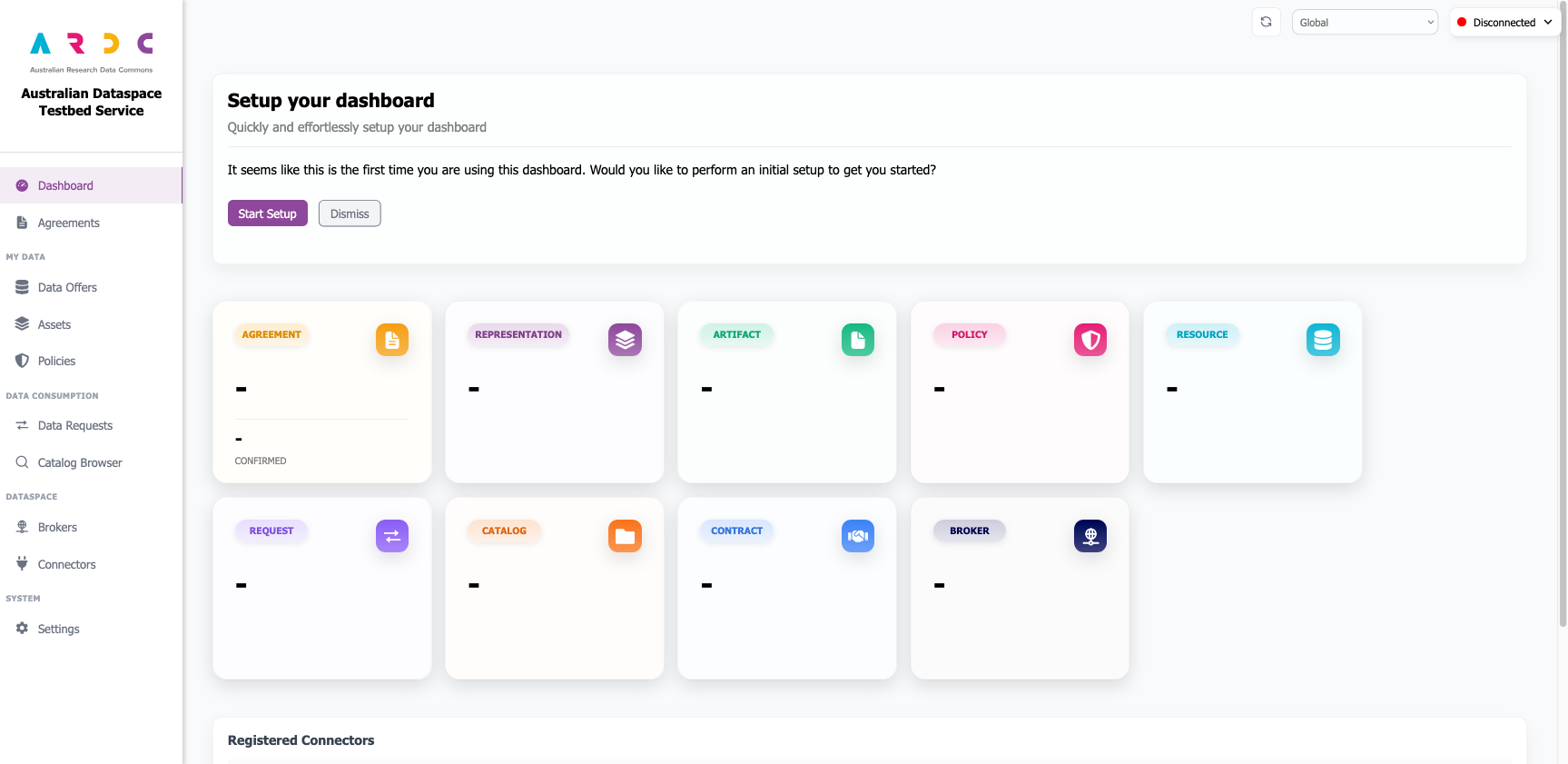
Once loaded, you will be presented with the dataspace dashboard web UI.
Developer Tip
You can stop and replace the dataspace UI docker container from any terminal linked to your testbed environment.