1.2 User Dashboard
After logging in, you will first be greeted with the user Dashboard. From here, you can view important announcements, see new features, and get an overview of your utilised and remaining credits.
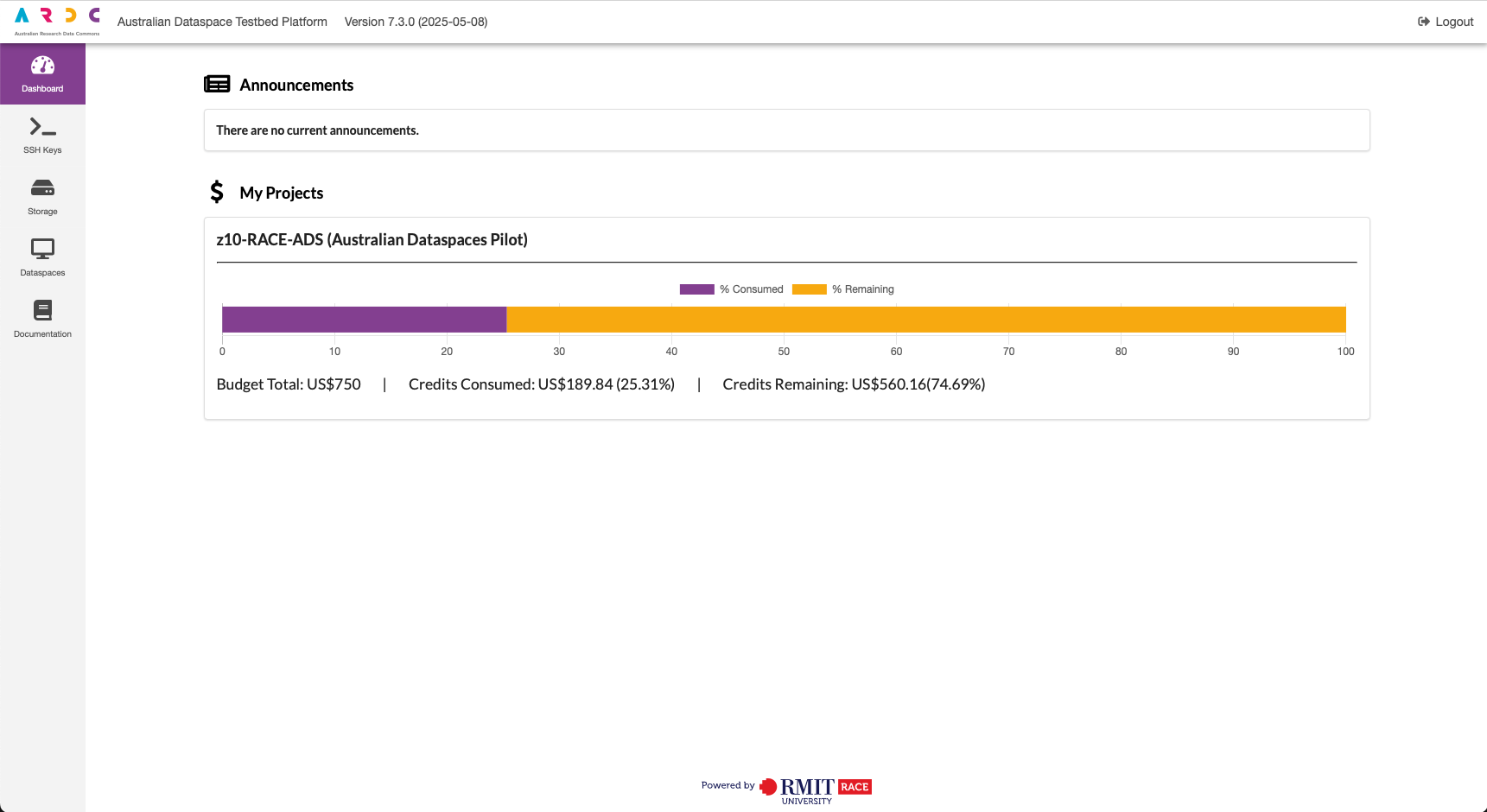
Announcements: This section will update with any important platform announcements. Please keep an eye on this as you continue to use the platform.
My Projects: This section shows your project’s consumed and remaining credits. This section will appear once for each project you are a part of.
Left Menu Bar Functions: The left menu bar allows you to navigate to the different functions within the platform.
- Dashboard: View an overview of your projects and credit spend (this page).
- SSH Keys: Allows you to create SSH keys for dataspace environments.
- Storage: This function is not used as part of the dataspaces prototype.
- Dataspaces: Manage your dataspace testbed environments.
Note
Updates to costs are delayed by 24 hours due to limitations in AWS. Costs you see within the platform are reflective of the cost usage 24 hours ago.