3.2.2 Top Navigation
The top navigation bar is located in the top-right corner of the dashboard and appears on every page. It provides quick access to refresh functionality, active connector switching, and connection status monitoring.

Navigation Components
Refresh Button - The first element from the left. When clicked, the dashboard performs a full reload, retrieving and caching dataspace component information (resources, agreements, etc.).

Active Connector Selector - The second element allows you to switch the active connector between those already registered, enabling management of multiple connectors through a single dashboard.

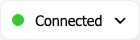
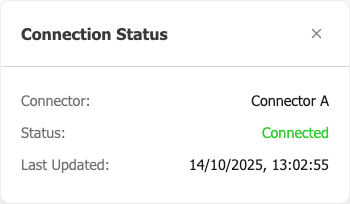
Status Indicator - The third component displays whether your currently selected connector is active. Click to expand and view detailed connection information, including connector name, status, and last update time.