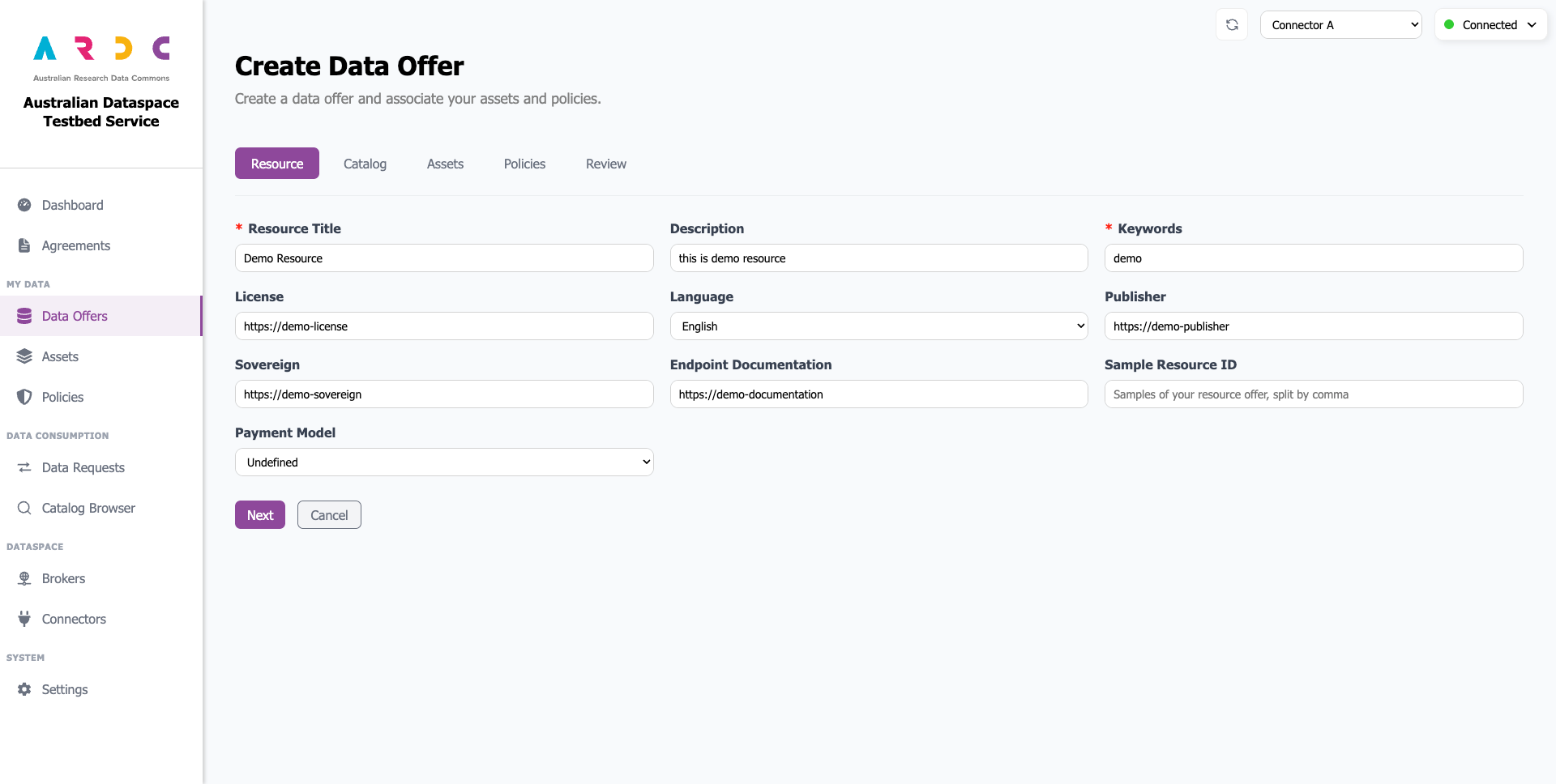
3.2.7 Data Offers
The Data Offers page contains two tabs:
Resources - Create, view, and manage your resources
Catalogs - Create, view, and manage your catalogs
Manage Catalogs
To manage your catalogs, navigate to the Catalogs tab.
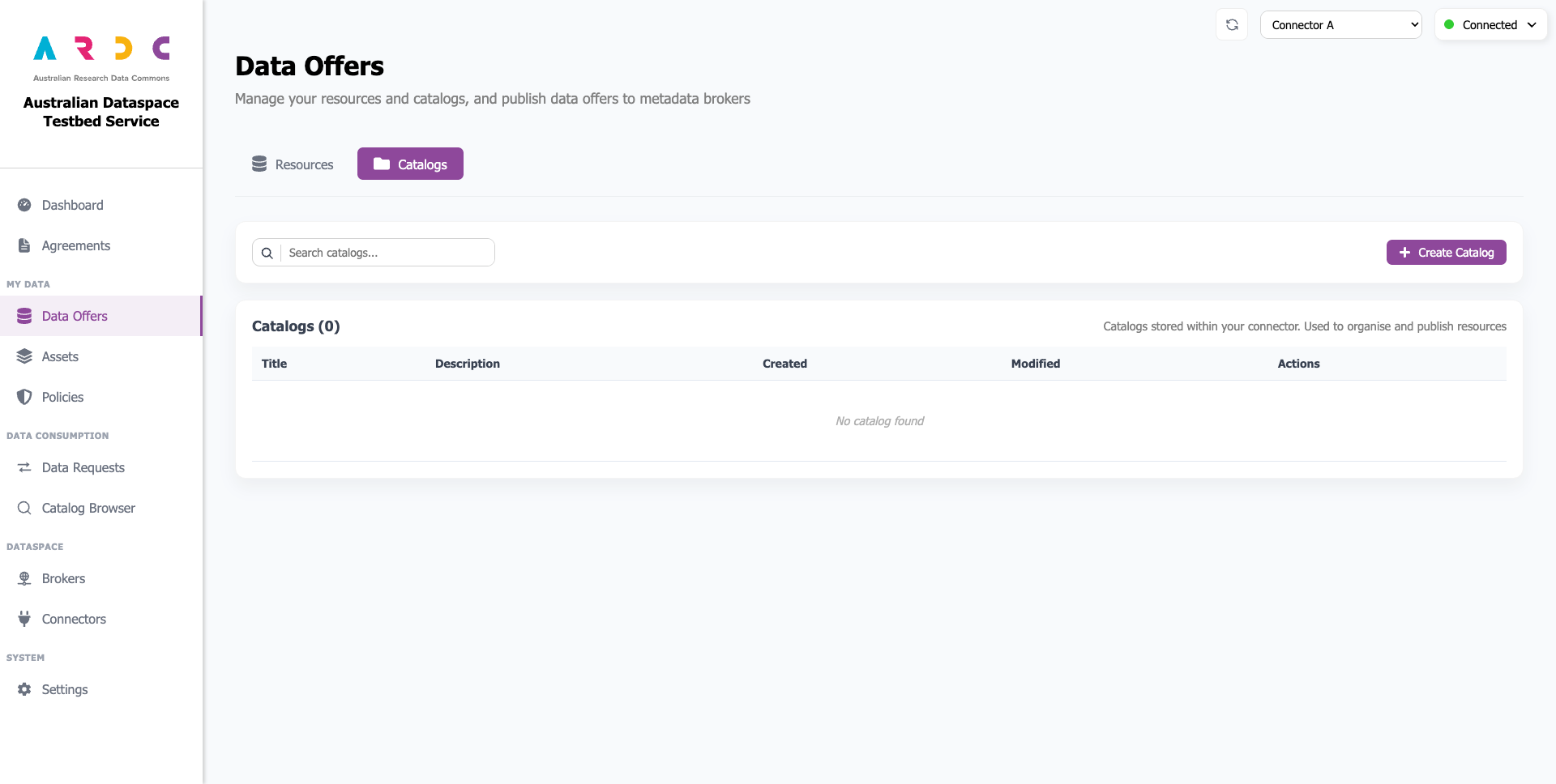
Create Catalog
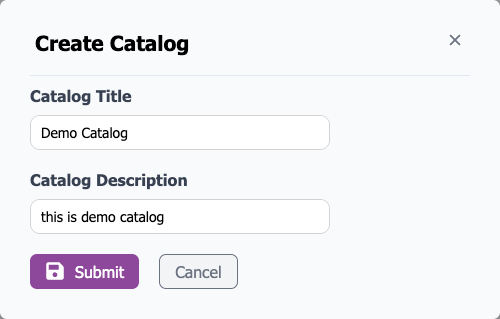
Click the Create Catalog button to open a popup window.

Enter the catalog title and description, then click the Submit button to create your catalog.
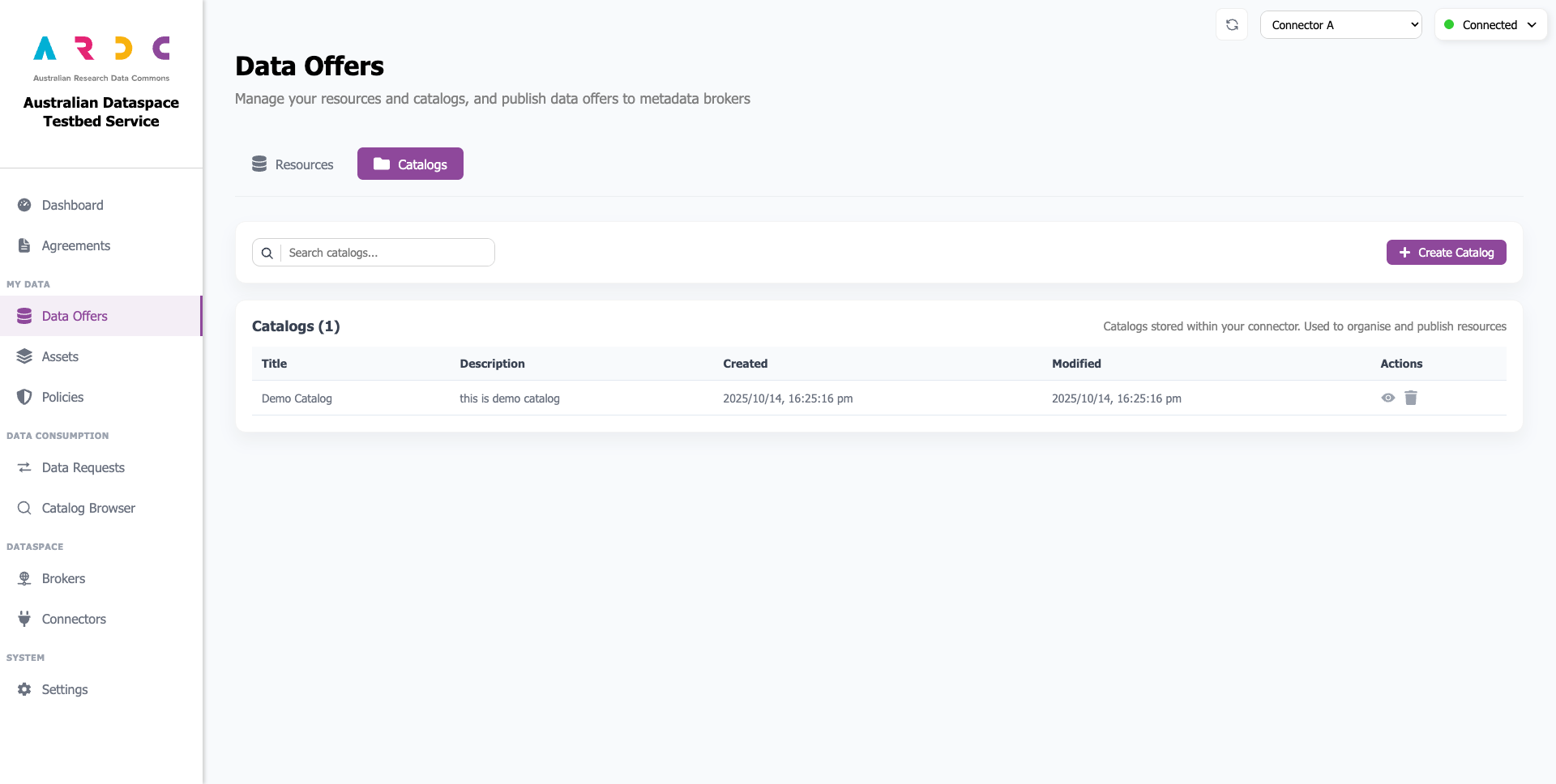
Attention!
After creating a new catalog, it must be registered with a metadata broker before you can post resource offers to that broker. Follow the steps here to update your connector at the metadata broker.
Manage Resources
To manage your resources, navigate to the Resources tab.
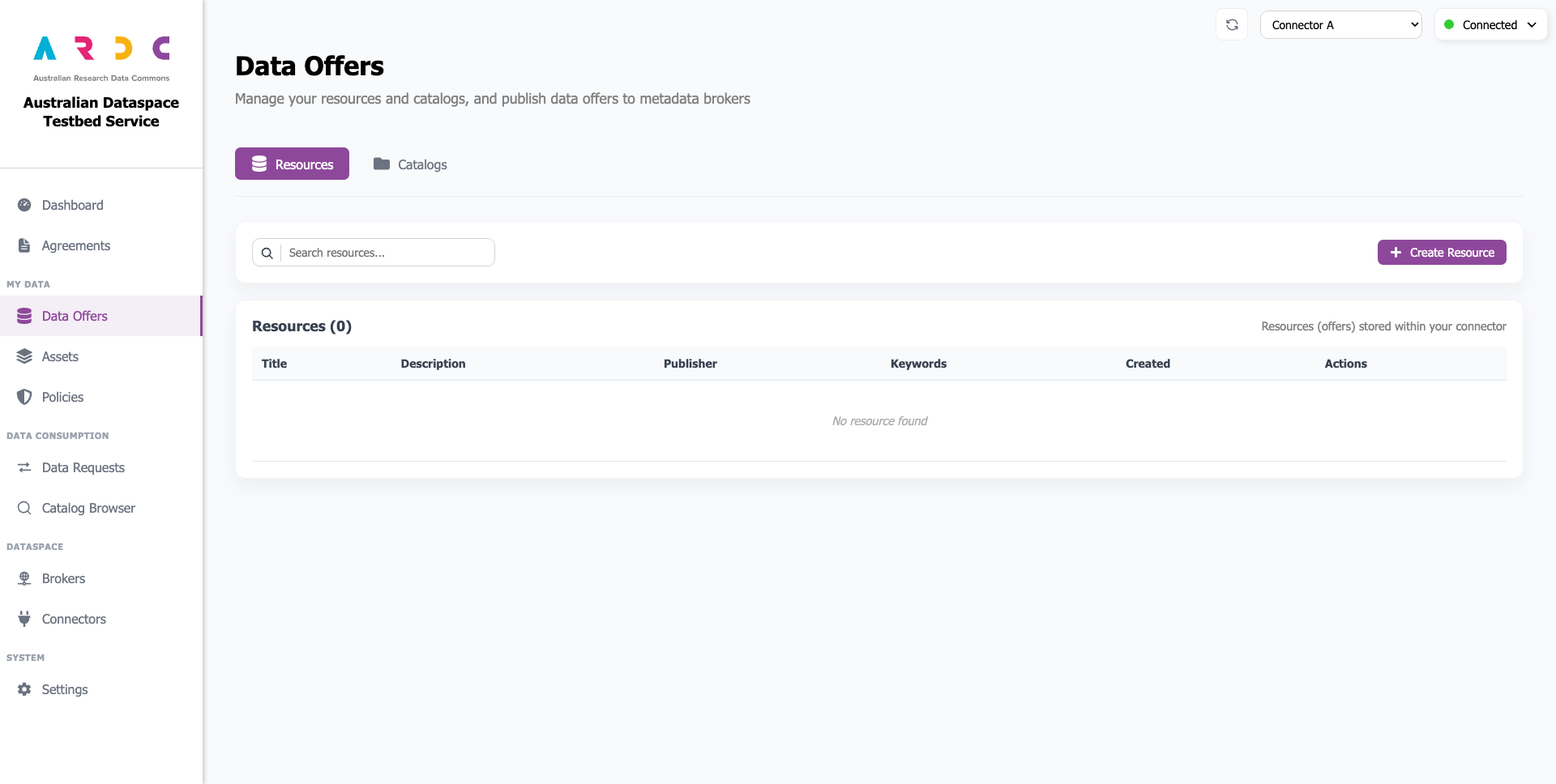
Create Resource
Click the Create Resource button to open a wizard in the current page. For more information about creating a resource and offering it in a metadata broker, refer to this page