3.2.4 Brokers
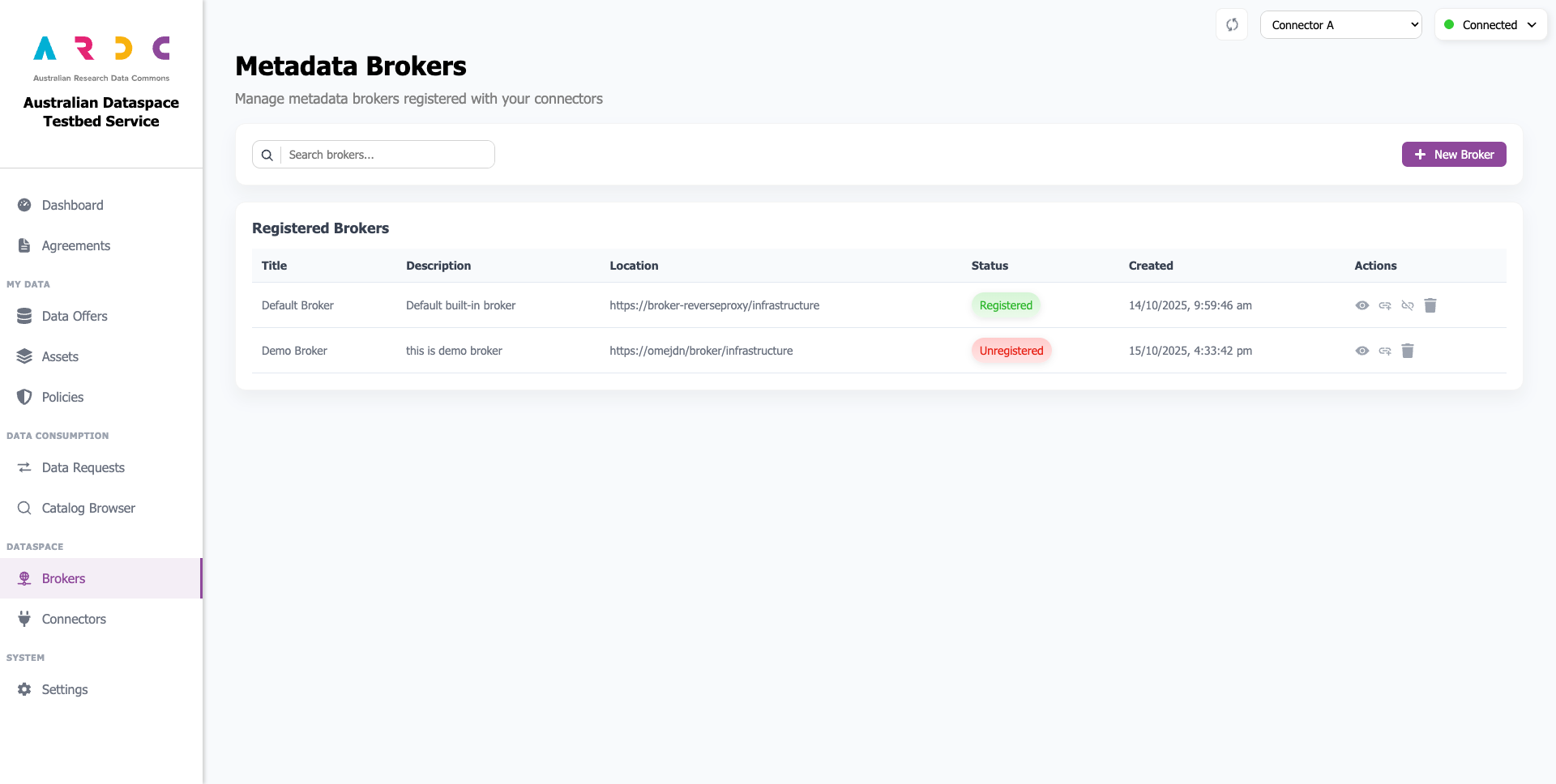
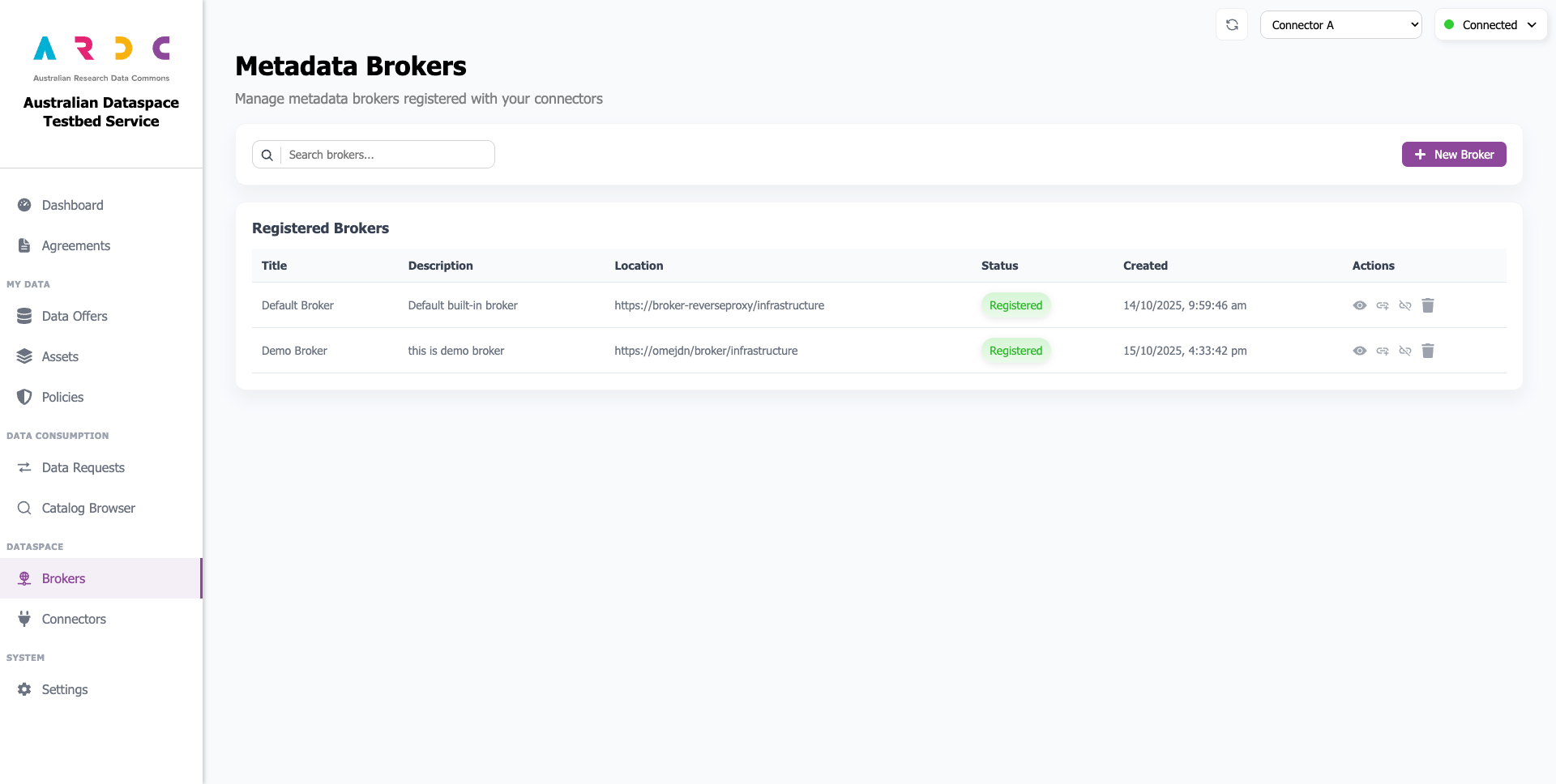
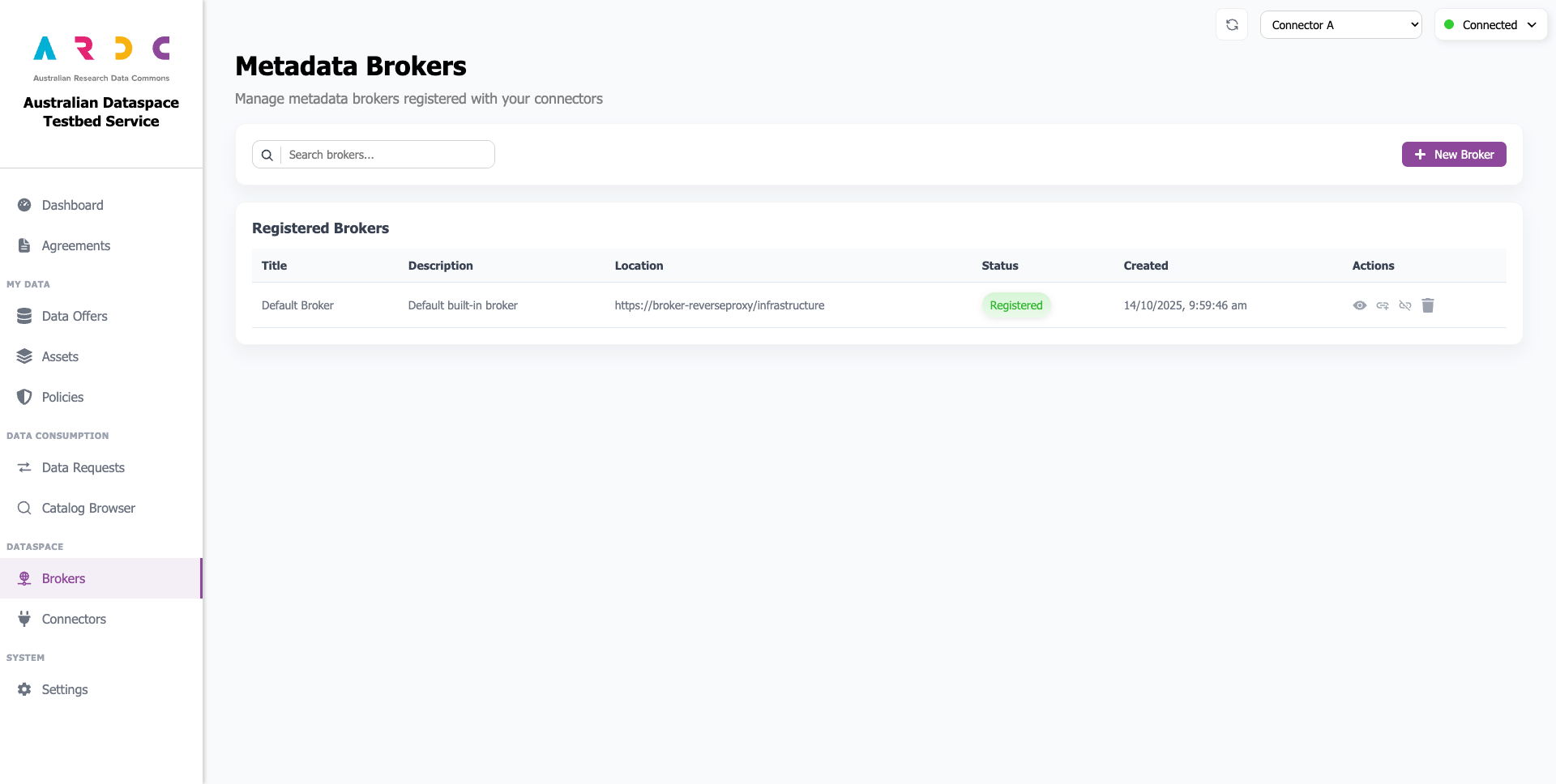
The Brokers page allows you to create, view, and manage metadata brokers using the dashboard. Brokers will appear here after completing the setup wizard.
Register / Update Connector at a Broker
To register or update your connector at a broker, click the update button in the Actions column.

A notification appears when the dashboard begins updating your connector at the broker, followed by the outcome notification.
Unregister Connector at Broker
To unregister your connector from a broker, click the unregister button in the Actions column.

A notification appears when the dashboard begins unregistering your connector, followed by the outcome notification.
Add a New Broker
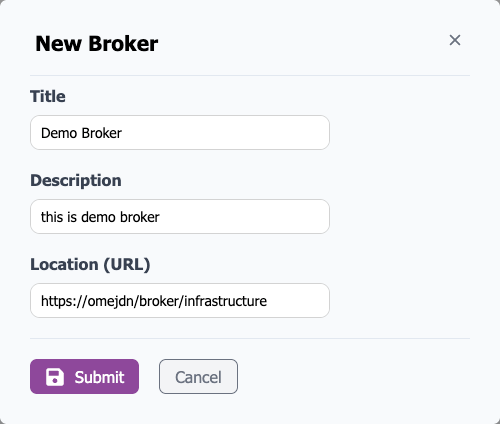
To add a new broker, click the New Broker button to open a popup window.

Enter the broker title, description, and access location. By default, the location is https://<broker-ip>/broker/infrastructure. Click the Submit button when finished.
After creating the broker, it appears in the list. You can register it by following the previous steps.